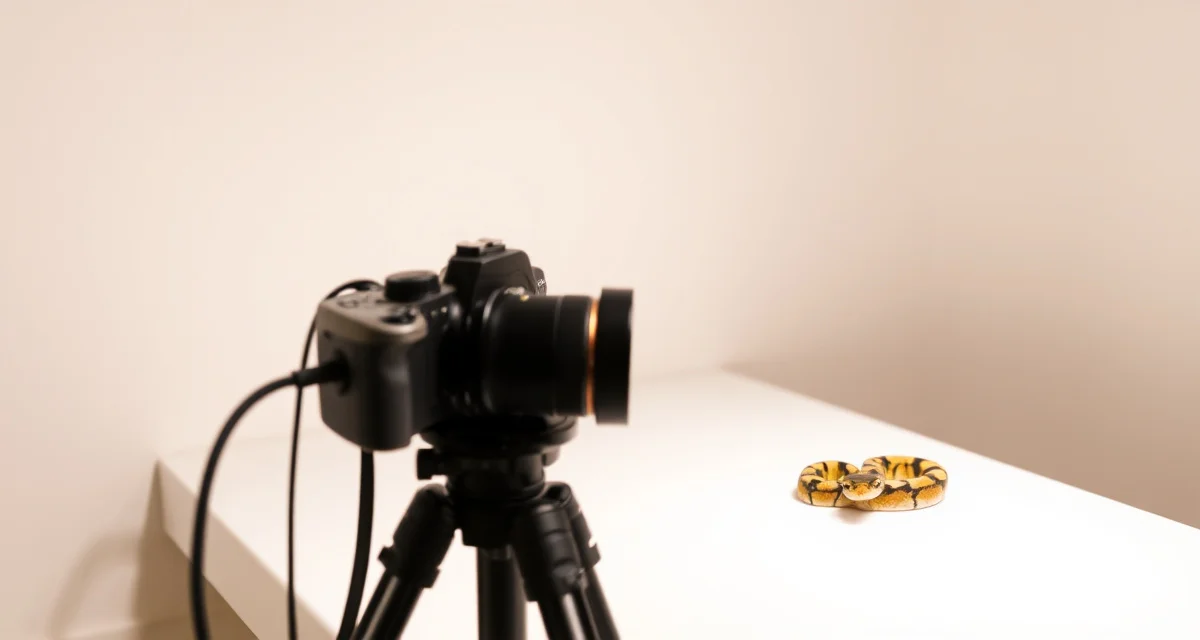
Photo Documentation for Ball Python Breeders
Most ball python breeders are leaving money on the table because of their photos. The genetic quality and care behind their animals is excellent, but the photos posted to MorphMarket or shared on Instagram look like they were taken in a hurry under bad lighting. In an online reptile market where buyers can't hold the animal, the photo is the product.
TL;DR
- Ball python breeding operations require systematic record-keeping from pre-season preparation through end-of-season sales.
- Females at 1,200-1,500g or more are the target weight before introducing them to a breeding male.
- Ovulation detection is the key event that anchors pre-lay shed and lay date calculations.
- Clutch profitability guide depends on understanding actual cost basis per animal, not just gross sale revenue.
- Well-documented animals with complete feeding histories and clear genetic records consistently sell faster and at higher prices.
Breeders using integrated software report 30% less time on administrative tasks, and that saved time can go into the photo documentation that makes a real difference in sale price.
Why Ball Python Breeder Photo Documentation Matters More Than Ever
Ball python buying happens online. The vast majority of transactions, especially for animals over $300, happen without the buyer ever seeing the animal in person before purchase. What they have to go on is your photos, your reputation, and your description.
Good photo documentation does more than help you sell: it creates a visual record of every animal across time, which becomes valuable for tracking health changes, documenting morph development (especially important for genes like desert ghost that change dramatically with age), and building buyer confidence through visual proof of what you produced.
How to Build a Ball Python Photo Documentation System
Step 1: Set Up a Consistent Photography Station
The most important thing in reptile photography isn't the camera, it's consistency. A consistent background, consistent lighting, and consistent positioning make your photos look professional even with a smartphone camera.
What you need:
- A clean, light-colored background (white, light grey, or a specific color you use consistently). Foam board or a plain pillowcase works.
- Even, diffused lighting. Two desk lamps pointed at the setup from opposite sides eliminates harsh shadows. Avoid direct overhead single-light setups.
- A flat surface at a comfortable working height
That's it. You don't need a studio. You need a consistent setup you can reproduce every time.
Step 2: Know What Shots Every Animal Needs
Every hatchling or sale animal should have at minimum:
- Dorsal shot (top-down view showing full body length)
- Head shot (close-up showing head pattern and eye color)
- Side/lateral shot (showing body pattern on the side)
- Belly shot (showing belly pattern, which can help with morph ID for some genes)
For animals with genes that age well (desert ghost, enchi, others), photograph at multiple ages. A hatchling photo plus a 6-month photo tells a much better story than a hatchling photo alone.
Step 3: Photograph in Natural Light When Possible
Natural indirect light, outdoors in shade, or next to a window out of direct sunlight, is often better than artificial lighting for showing reptile coloration accurately. Direct sunlight creates harsh shadows and can wash out colors.
If you photograph indoors with artificial light, use daylight-balanced bulbs (5000-6500K color temperature) to avoid the yellow or orange cast that warm bulbs create. Ball python colors, yellows, oranges, whites, look very different under warm lighting versus daylight-balanced lighting.
Step 4: Shoot Multiple Frames and Select the Best
Reptiles move. A shot you thought was perfect will often have the head at an odd angle or the animal mid-movement. Take 10-15 frames per angle and select the best 2-3. This is free with digital photography and pays off in consistently better listings.
Step 5: Organize Photos with Animal Records
This is where most breeders fall short. They take decent photos and then save them in a folder on their phone with names like "IMG_3847.jpg". Six months later they can't tell which photo goes with which animal.
Organize photos by animal ID. Name your photo files with the animal ID and date. Store them alongside the animal's husbandry records so that when you're writing a listing, the photo and the data are in the same place.
The ball python breeding hub covers how integrating photo records with animal data simplifies the selling process.
Step 6: Build a Visual Reference Library
Over time, your photo documentation becomes a valuable reference library for your own program. Comparison photos across multiple seasons show you how your breeding has improved. Photos of specific morphs from your program become reference material for identifying similar animals in future clutches.
This library is also a marketing asset, a collection of photos showing the quality of animals you've produced is worth more than descriptions alone.
Step 7: Update Photos as Animals Mature
For holdback animals, update photos every 3-6 months. The difference between a hatchling photo and a 1-year photo is dramatic for many morphs. Buyers making purchase decisions about maturing animals want to see current photos, not hatch photos from 8 months ago.
The reptile breeder software comparison shows why purpose-built breeder tools handle photo-linked records better than generic spreadsheets.
Common Photo Documentation Mistakes
Inconsistent backgrounds. Switching between a blue tub, a white sheet, and a bare table makes your listing photos look amateurish. Pick a standard background and use it for everything.
Poor lighting. Single overhead light creates harsh shadows that make ball python patterns look muddy. Diffuse, even lighting is the standard to aim for.
Not photographing at different ages. For morphs that develop visually with age, hatch photos dramatically undersell what the animal will become.
Separating photos from records. Photos stored separately from animal records create a matching problem every time you write a listing.
What is the best approach to ball python breeder photo documentation?
Set up a consistent photography station with a standard background and diffuse lighting. Photograph every sale animal in the same standard set of angles (dorsal, head, lateral, belly). Name files with animal IDs and dates. Store photos alongside animal records so listing information and photos are always in the same place.
How do professional breeders handle ball python breeder photo documentation?
Professional breeders with strong online reputations have consistent, recognizable photo styles. Buyers who've purchased from them before can identify their listing photos at a glance. This consistency signals professionalism and builds buyer confidence. They also photograph animals at multiple ages for morphs that develop visually, and use those comparison photos in their listings.
What software helps manage ball python breeder photo documentation?
HatchLedger allows breeders to attach photos directly to individual animal records, so your documentation is connected to your breeding data from the start. When it's time to write a listing, you have the photos and the genetics guide history in the same place, and your buyer can see both.
Sources
- USARK (United States Association of Reptile Keepers)
- Association of Reptilian and Amphibian Veterinarians (ARAV)
- World of Ball Pythons (WoBP genetics reference)
- MorphMarket (industry marketplace data)
- Reptiles Magazine (Bowtie Inc.)
Connect Your Photos to Your Records with HatchLedger
Get Started with HatchLedger
Every part of a ball python breeding operation -- from pairing records to clutch documentation to financial tracking -- works better when the data is connected rather than scattered across notebooks and spreadsheets. HatchLedger is built for exactly that. Try it free with up to 20 animals.